01
Compare before you commit
Review detailed, balanced, and simplified plans side by side, then choose the right tradeoff between color depth, clarity, and material use.
A digital workbench for bead artists
Start with one reference image, compare several pattern plans, refine bead by bead, and check your materials before bringing the idea from screen to craft table.

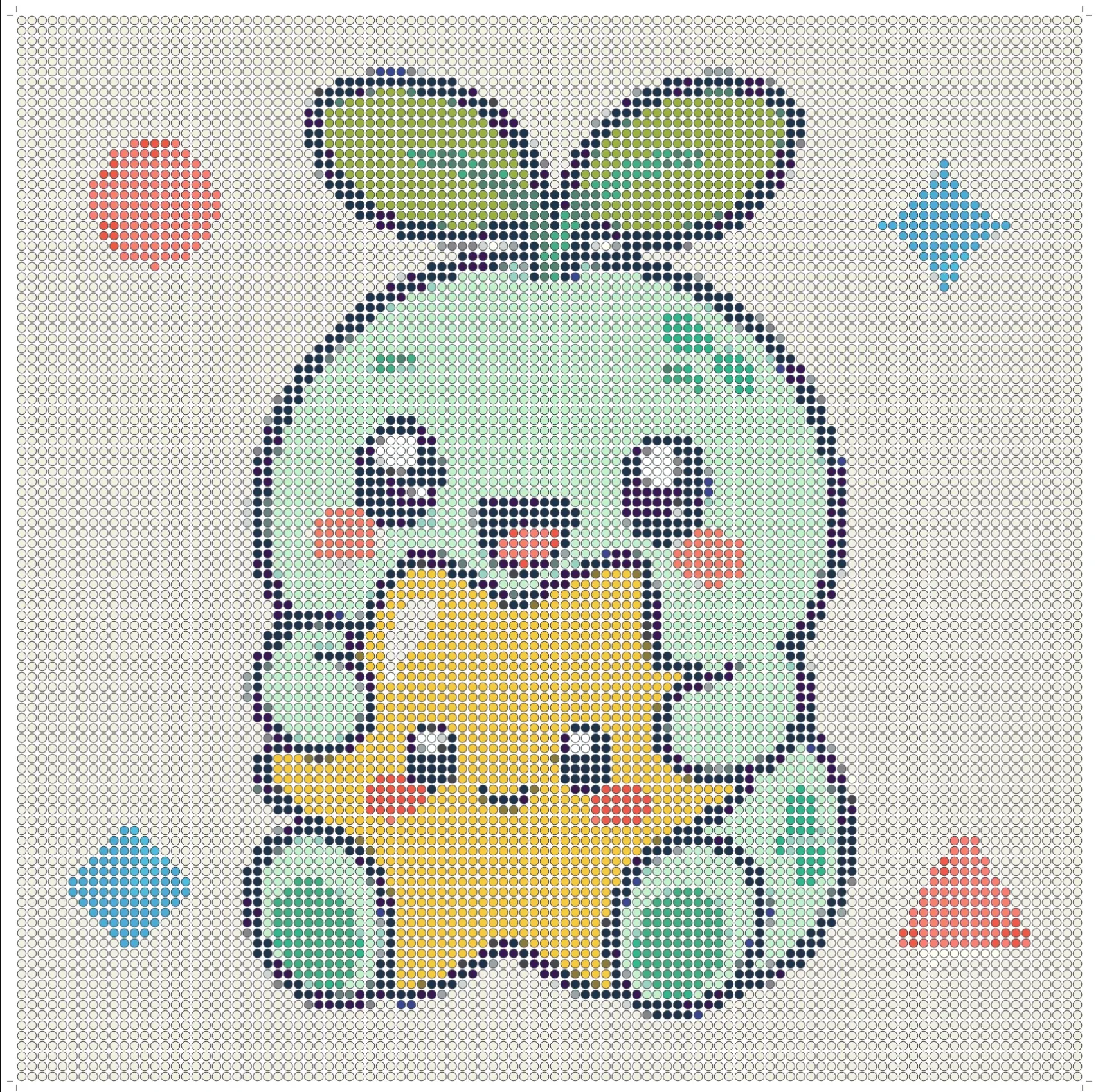
One complete creative path
Beadot brings generation, judgment, refinement, and material planning into one flow. You keep the final say over every bead.
Review detailed, balanced, and simplified plans side by side, then choose the right tradeoff between color depth, clarity, and material use.
Zoom into the canvas and edit with the active palette. Automatic conversion gives you a starting point; you finish the character.
Group bead quantities by color so you know what to prepare before opening your storage boxes.
A clear bead grid keeps positions and colors readable, turning the digital pattern into a practical building guide.
Export PNG for viewing and sharing, or JSON to preserve editable pattern data for your next session.
From real life to pattern and back again
A useful bead pattern needs to look right and work within a finite palette and grid. Beadot puts visual judgment beside material information so each tradeoff stays visible.
Your first pattern in three steps
There is no complex software to learn. Move from reference to buildable pattern in a familiar creative rhythm.
Choose a clear image, set the target size and palette, and give Beadot a solid conversion starting point.
Pick the strongest of three results, then use the canvas tools to correct colors and details.
Review color usage and export the pattern, ready to follow at your real-world bead table.
Privacy is part of the design
Beadot analyzes images and generates patterns locally in the browser, so your creative references do not need to be uploaded to a remote server.
The next piece starts with one dot
Open Beadot and import one image. Your first pattern is only a few steps away.
Open Beadot now